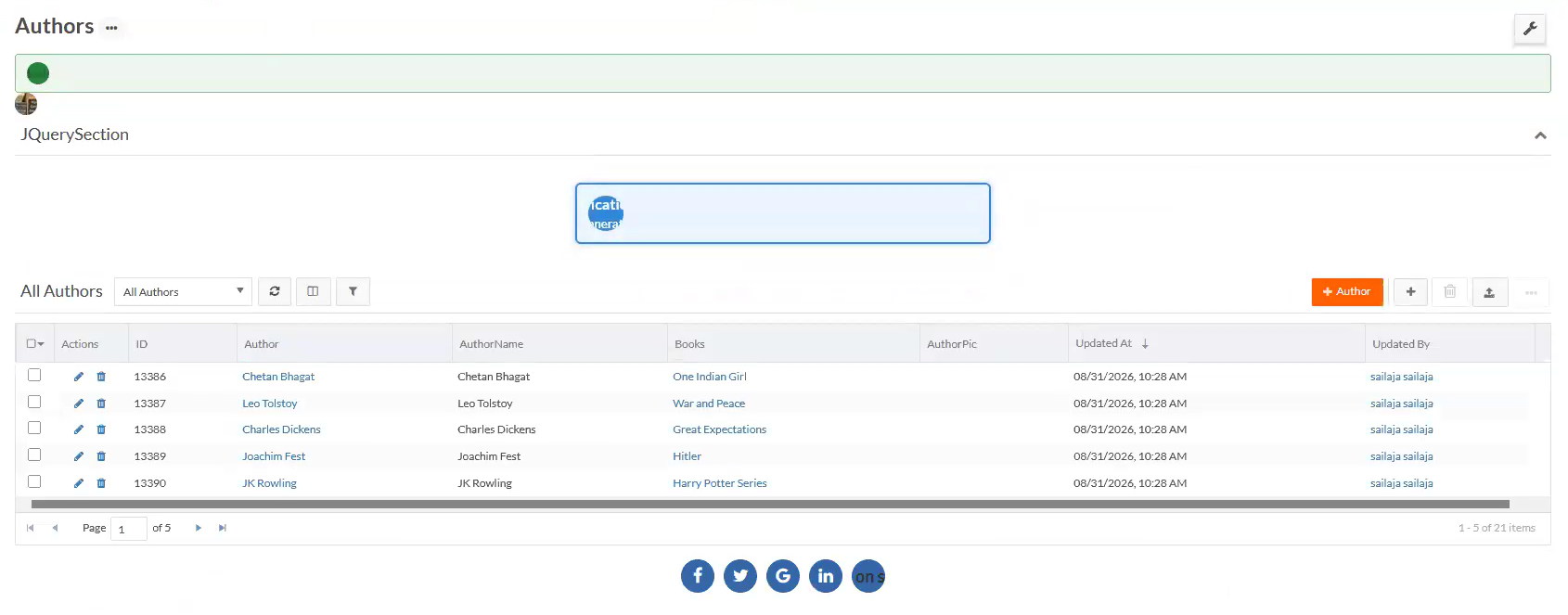
Invalid Self-Closing HTML Tags
Platform provides a Data Maintenance operation to remediate fix invalid self-closing HTML tags for non-void elements and convert them to explicit opening and closing tags in supported tenants.
This operation prevents rendering and parsing problems caused by markup such as:
<div class="container" />
<span />
<script src="custom.js" />
The operation converts the markup to:
<div class="container"></div>
<span></span>
<script src="custom.js"></script>
Valid HTML void elements remain unchanged. Tenants can revert or roll back the change.
Use this operation when instructed during the jQuery NES update or by Platform Support.
These operations:
-
Identify non-void HTML elements written in self-closing form.
-
Rewrite them with explicit opening and closing tags.
-
Preserve valid HTML void elements such as area, base, br, col, embed, hr, img, input, link, meta, param, source, track, and wbr.
-
Process supported content in pages, application HTML properties, hosted files, buttons, custom methods, portals, headers and footers, reports, mail templates, and text-based document templates.
-
Supported content includes: All cached page cells, All cached pages, All cached buttons, Base64-encoded HTML, Files identified as text files, All customer websites, Customer-visible reports, JavaScript and HTML reports, JavaScript and HTML reports; Base64-encoded, Plain-text property, Sections of type HTML_COMPONENT, displayed as “Plain Text & HTML”, Base64-encoded loop template, Base64-encoded custom-report no-record content, Embedded HTML in GET scripts, Embedded HTML in PUT scripts, Embedded HTML in POST scripts, Embedded HTML in DELETE scripts, Mail templates, and Text-based document templates.
-
-
Create a backup of affected content before updating it.
-
Support reverting the remediation when a backup exists.
-
Refresh metadata caches after remediation and revert in high-availability environments.
Run the remediation
To remediate invalid self-closing HTML tags, do the following:
-
Open the Data Maintenance page for the relevant tenant.
-
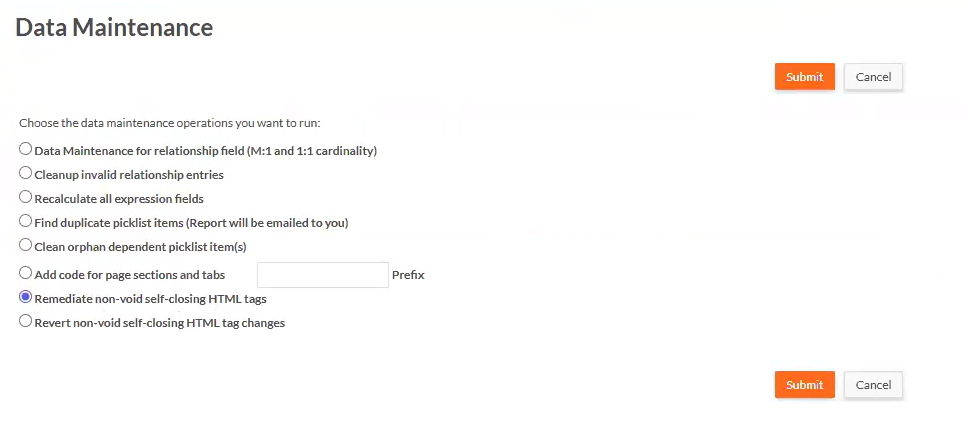
Select Remediate invalid self-closing HTML tags.
-
Click Submit. Monitor the job until it reaches completion.
-
Click View Logs to examine the data maintenance log for scanned, updated, skipped, failed, and unchanged items.
-
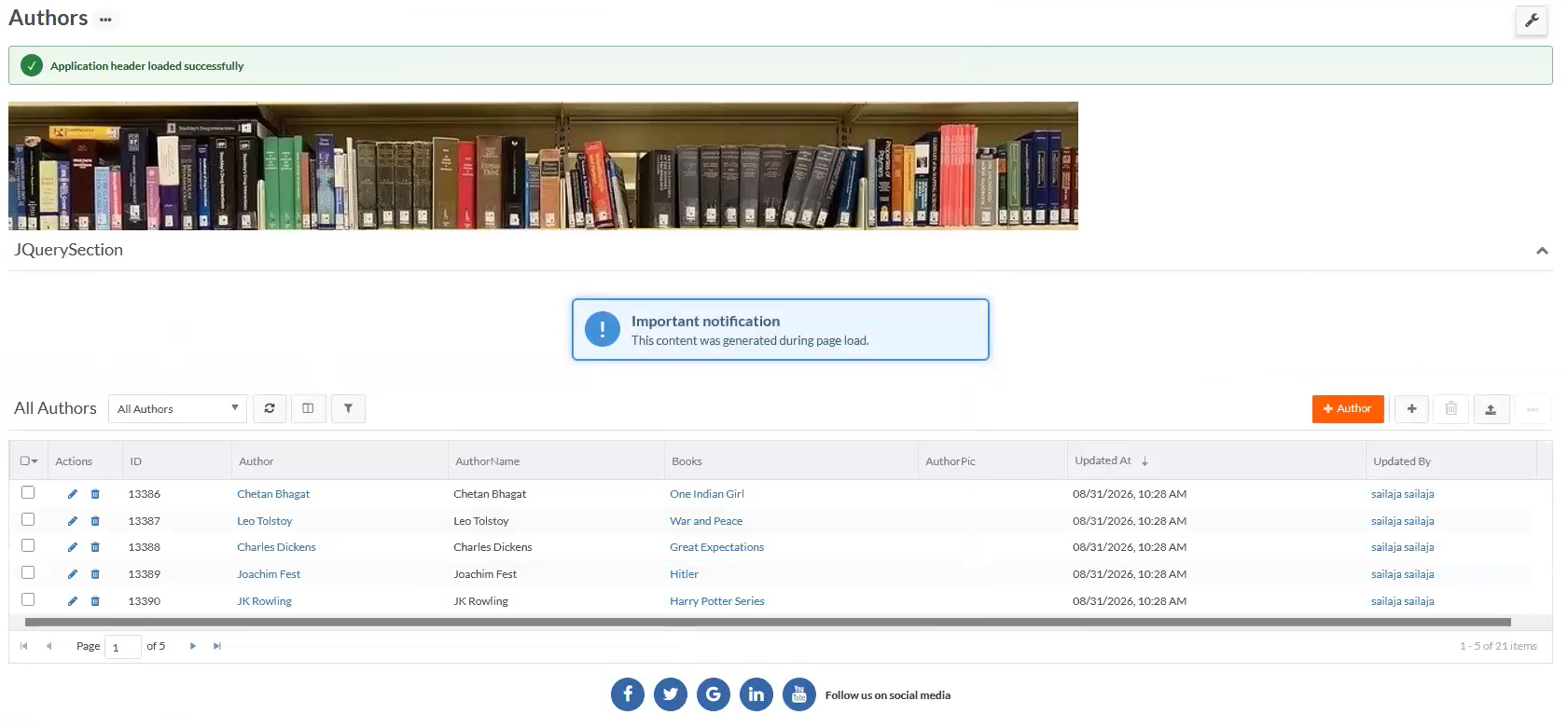
Validate the affected pages, reports, templates, and application content.
Revert the remediation
Use Revert invalid self-closing HTML tags only when directed by a Platform administrator or Infinite Blue Support.
To revert invalid self-closing HTML tags, do the following:
-
Confirm that the remediation backup is available.
-
Open the Data Maintenance page for the tenant.
-
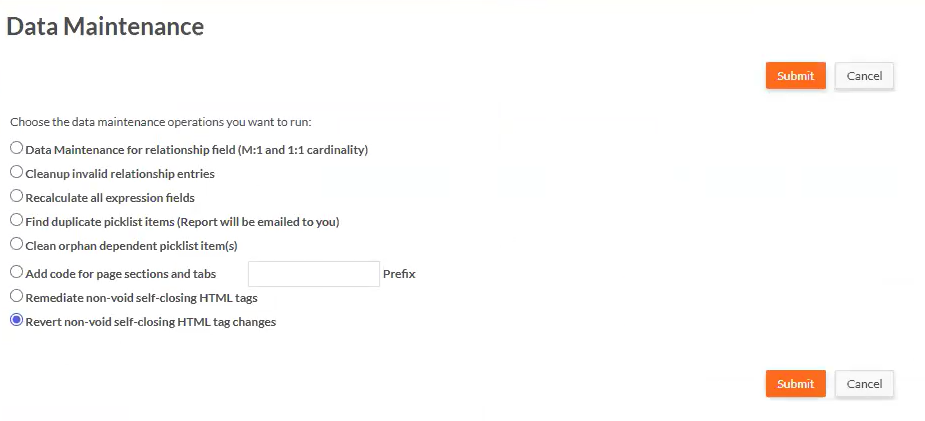
Select Revert invalid self-closing HTML tags.
-
Click Submit to initiate the revert operation.
-
Click View Logs to review the data maintenance log upon completion.